Delta Executor APK: Complete Android Download and Installation Guide for 2026
Delta Executor APK is the Android version of the most popular free Roblox script executor available in 2026. Since executors cannot appear on the Google Play Store due to policy restrictions around app interaction, Delta distributes its Android build as an APK file you install through Android’s sideload mechanism. This guide covers every step of the process: finding the only safe source for the real APK, enabling the Android setting needed for installation, completing the install correctly, and running your first Roblox Mobile script through Delta. First-time setup takes about ten minutes and subsequent updates are faster once you know the process.
APK sideloading is a completely standard Android feature. Millions of users install APKs from outside the Play Store every day for game emulators, alternative app markets, developer preview builds, and apps restricted by region. Delta uses this same established method. The key distinction is always the source. An APK downloaded from the official Delta site is the genuine clean application. An APK from any other source could be modified to contain additional malicious code. This guide emphasizes source verification because it is the most important single decision you make during the entire setup process.
Why Delta Executor APK Exists and What It Does
The Delta Executor APK is a fully-featured executor application built specifically for Android and the Roblox Mobile client. It is not a simplified port of the PC version. It receives dedicated updates that track Roblox Mobile patches independently from the PC update cycle, uses a touch-optimized interface designed for smartphone screens, includes the complete Script Hub with scripts for all supported games, and supports the same broad range of community Lua scripts as the desktop version. The Android version handles auto-farm scripts, ESP overlays, speed modifications, and GUI scripts with the same capability as PC Delta for the vast majority of use cases.
Installing an APK outside the Play Store creates no permanent security risk to your phone. Android’s permission system handles sideloaded apps exactly like Play Store apps after installation. You control permissions, battery usage, and background behavior through the same Settings menus. The only practical difference is that you manage updates manually by downloading new APK versions from the official site when they release, rather than having updates pushed automatically. This takes about two minutes and is the only ongoing maintenance cost of the Android setup.
The Only Safe APK Source
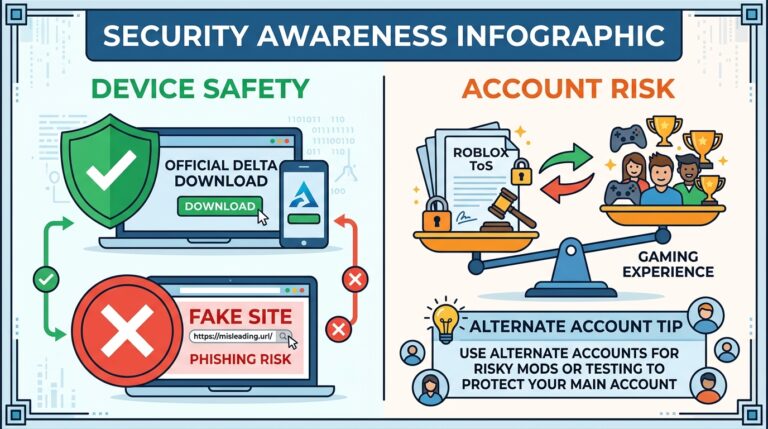
Download the Delta APK exclusively from Delta Executor Pro. This is not a suggestion or a preference. It is the only source of the genuine clean application. Hundreds of sites host what they claim is the Delta APK. The vast majority either serve outdated versions, files with malware bundled into the package, or completely fake installers. These sites appear professional and rank well in search results because their operators invest specifically in SEO targeting Delta APK download queries. Professional appearance and high search rankings are not indicators of legitimacy.
Before tapping download on any page, verify the URL in your browser address bar matches deltaexecutorpro.com exactly: delta, executor, pro, dot com, no hyphens anywhere. The real site downloads the Delta Executor APK immediately after tapping the button without account creation, payment, or navigation through offer pages. If you are asked to create an account, complete surveys, install other apps, or pay any amount before seeing the download, close the browser tab immediately and navigate to the correct URL by typing it manually.
Enabling Unknown Sources
Android’s security system blocks APK files from outside the Play Store by default. You need to grant permission for your browser to install apps from unknown sources before the Delta Executor APK will install. On Android 8.0 and later, this permission is granted per-app rather than globally. Go to Settings, then Apps, find your browser in the list, tap it, and look for Install Unknown Apps or Install Unknown Applications. Enable it. After Delta installs you can return here and disable it again. Leaving it disabled when not installing APKs is the safest practice.
On Samsung devices running One UI the path is Settings then Biometrics and Security then Install Unknown Apps. On Xiaomi MIUI devices look under Settings then Privacy then Special App Access then Install Unknown Apps. On stock Android Pixel phones it is Settings then Apps then your browser then Install Unknown Apps. The exact path varies between manufacturers but the permission itself is universal across Android 8 and later. Once granted, return to your downloaded APK file and tap it to begin the system installer.
Installing Delta APK Step by Step
Open your phone browser, type deltaexecutorpro.com in the address bar, and tap the Android download button on the homepage. The APK file saves to your Downloads folder. If your browser shows a warning about Delta Executor APK files, tap OK or Download Anyway since you are downloading from the verified official source. Wait for the download to complete fully before opening the file. Incomplete downloads produce corrupt APKs that fail at installation with cryptic error messages or appear to install but crash immediately on launch.
After the download finishes, tap the completion notification or open your file manager and navigate to Downloads. Tap the Delta Executor APK file. The Android system installer opens showing the application name and the permissions it requests. Review the permissions, then tap Install. Installation completes in under thirty seconds on most modern phones. When it finishes, tap Open to launch Delta Executor APK right away or Done to find it in your app drawer later. Complete the first-launch configuration steps and the key verification process before attempting your first injection into Roblox.
The Mobile Scripting Workflow
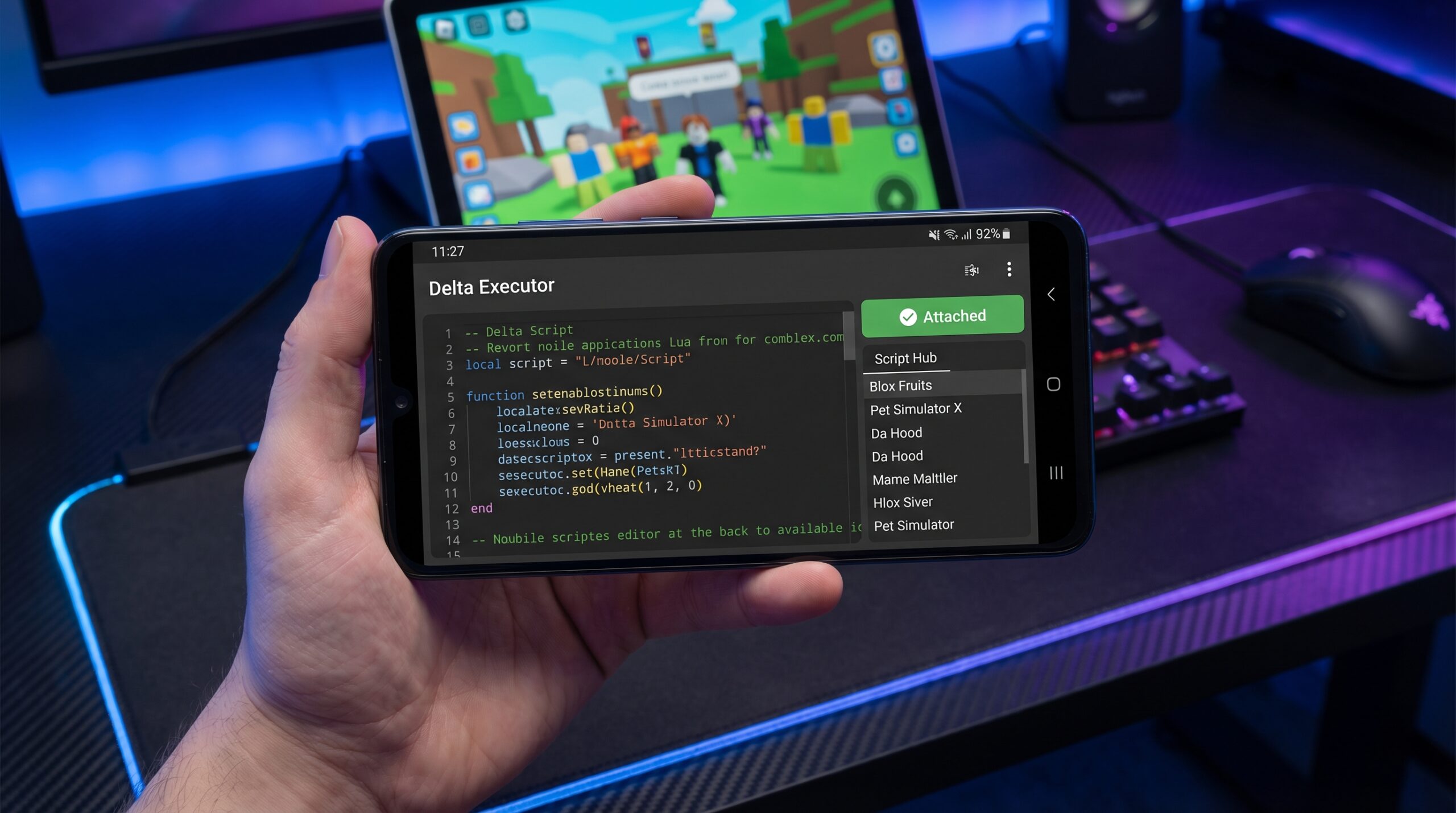
Mobile scripting with Delta has a specific workflow that differs from PC use. Always open Roblox first and join your target game. Wait until your character is fully loaded in the game environment and all game assets have finished loading. Then minimize Roblox using the home button and open Delta Executor APK from your app drawer. Tap Inject in Delta Executor Download guide . Wait for the status confirmation that injection succeeded. Return to Roblox briefly to verify it worked, then go back to Delta. Paste your script into the editor and tap Execute. Results appear in Roblox within seconds.
For script management on mobile, save your most-used scripts in a notes application. Google Keep, Samsung Notes, Apple Notes installed from Play Store, or any plain text app works. Name your scripts clearly, then copy the full script text with one tap and paste into Delta’s editor. This is significantly faster than typing Lua code on a phone keyboard and eliminates copy errors that happen when typing long code strings. Delta Executor APK Mobile also includes the Script Hub where you can browse and execute hub scripts directly without any copy-pasting for the most popular supported games.
Battery and Performance for Long Sessions
Running Delta Executor APK alongside Roblox Mobile simultaneously stresses phone hardware. For sessions longer than thirty minutes, plug into a charger. Phones throttle CPU performance when battery drops below 20 percent and this throttling slows both Roblox and Delta noticeably. Enable Do Not Disturb mode to prevent notification interruptions from disrupting automation. In your battery settings, find Delta Executor and Roblox and set both to Unrestricted background activity. Android’s default battery management aggressively suspends background processes, which can interrupt long farming scripts even on a plugged-in phone.
For overnight sessions, also enable your phone’s Game Mode or Performance Mode before starting the session. This setting is available on most modern Android phones under Settings or in a dedicated Game Space app. It prioritizes CPU and RAM for running apps and prevents Android’s memory management from clearing background processes. On devices with 2GB RAM, check in every two hours to verify automation has not stalled. On devices with 3GB or more, overnight sessions typically run without issues on correctly configured battery settings.
Updating the Delta APK
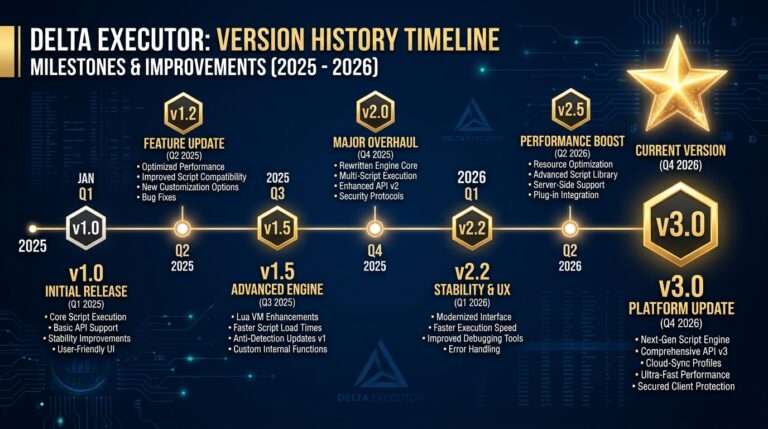
When Roblox Mobile updates and breaks Delta injection, a new APK patch appears at delta executor within 24 to 48 hours. Download the new APK and install it over your existing version without uninstalling first. Android handles in-place updates for packages with the same signature automatically, preserving your saved scripts, settings, and key status. You do not need to go through first-time setup again. The update installation completes in under a minute and injection resumes immediately after launch.
Script Sources and Management on Android
Finding and managing scripts on Android requires a slightly different approach than PC. Delta’s built-in Script Hub is accessible through the hub tab in the mobile interface and contains tested scripts for popular games that execute with a single tap. For external scripts, using Script Blox on your phone browser works well since the site is mobile-friendly. Search by game name and filter to most recently updated. Copy the script text from Script Blox directly into your clipboard, switch to Delta, paste into the editor panel, and tap Execute. The copy-paste workflow between your browser and Delta Executor APK becomes very fast with practice.
For scripts you use repeatedly, the most efficient approach is saving them in a dedicated notes app. Create one note per game with the best working script for that game pasted in and named clearly. When you start a scripting session, open your notes, copy the script for your current game, paste into Delta, and execute without any searching or browsing. This system is faster than re-searching every session and protects you from broken scripts that appear when game updates make older versions non-functional. Update your notes app library whenever you find a better script version.
Frequently Asked Questions
Is the Delta APK free?
Yes, completely free. No paid APK version exists. Anyone selling Delta Executor APK for Android is scamming you. The official APK is always free at delta executor pro
Can the official APK harm my phone?
The official APK from delta executor pro contains no malware and poses no risk to your device or data. Risk comes exclusively from third-party APK sources.
Does Delta APK work on Android tablets?
Yes. Any tablet running Android 8.0 or higher works. The larger screen makes the script editor more comfortable and a stylus improves text precision in the editor.
Will Roblox ban me for using Delta on Android?
The same account risk applies on Android as on PC. Script on an alternate Roblox account to protect your main on all platforms.
My security app flags Delta as dangerous. Is it safe?
Yes when downloaded from the official source. Injection tools trigger antivirus behavioral heuristics on Android just as on Windows. This is a false positive. Add the Delta Executor APK to your security app exclusion list.
How do I know if I need to update the APK?
If injection fails after a Roblox Mobile update, you probably need a new Delta Executor APK. Check the Discord announcements channel to confirm, then download the latest version from deltaexecutorpro.com.
Get the official Delta Executor APK free at delta executor pro. Ten minute setup, full scripting capability, and the same quality executor as the PC version optimized for Android.