Delta Executor Script Hub: Complete Guide 2026
The Delta Executor Script Hub is the built-in collection of tested, curated Lua scripts accessible directly from within the Delta application. It is the starting point for anyone who wants to run scripts in popular Roblox games without sourcing them from external repositories. Scripts in the hub have been tested specifically on the current Delta version, are organized by game, and update with Delta itself so they remain compatible as Delta and Roblox evolve. For games covered by the hub, it is the most reliable and convenient script source available to Delta users.
The hub covers a significant and growing number of popular Roblox games in 2026, with expansions added alongside major Delta version releases throughout the year. For games not yet in the hub, the Delta Discord scripts channel and external repositories like ScriptBlox provide comparable community-driven coverage. This guide explains how the hub is organized, how to navigate it efficiently, how to execute scripts from it, and how to contribute community scripts to expand its coverage.
What the Script Hub Contains
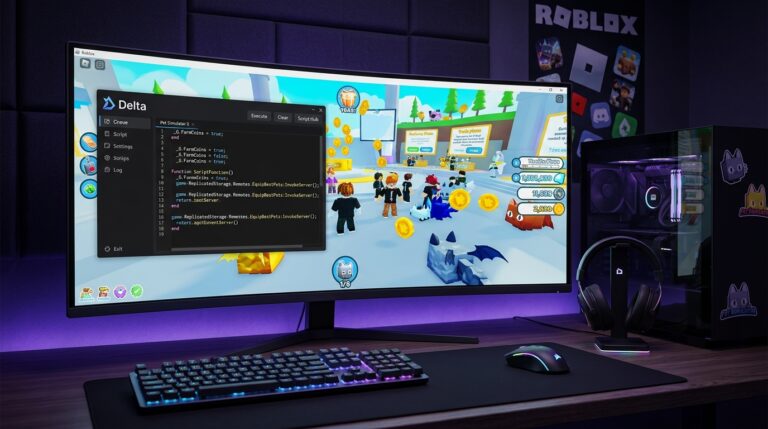
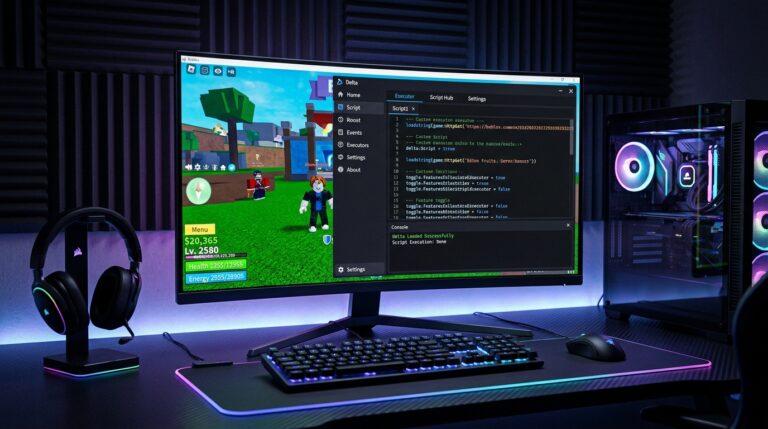
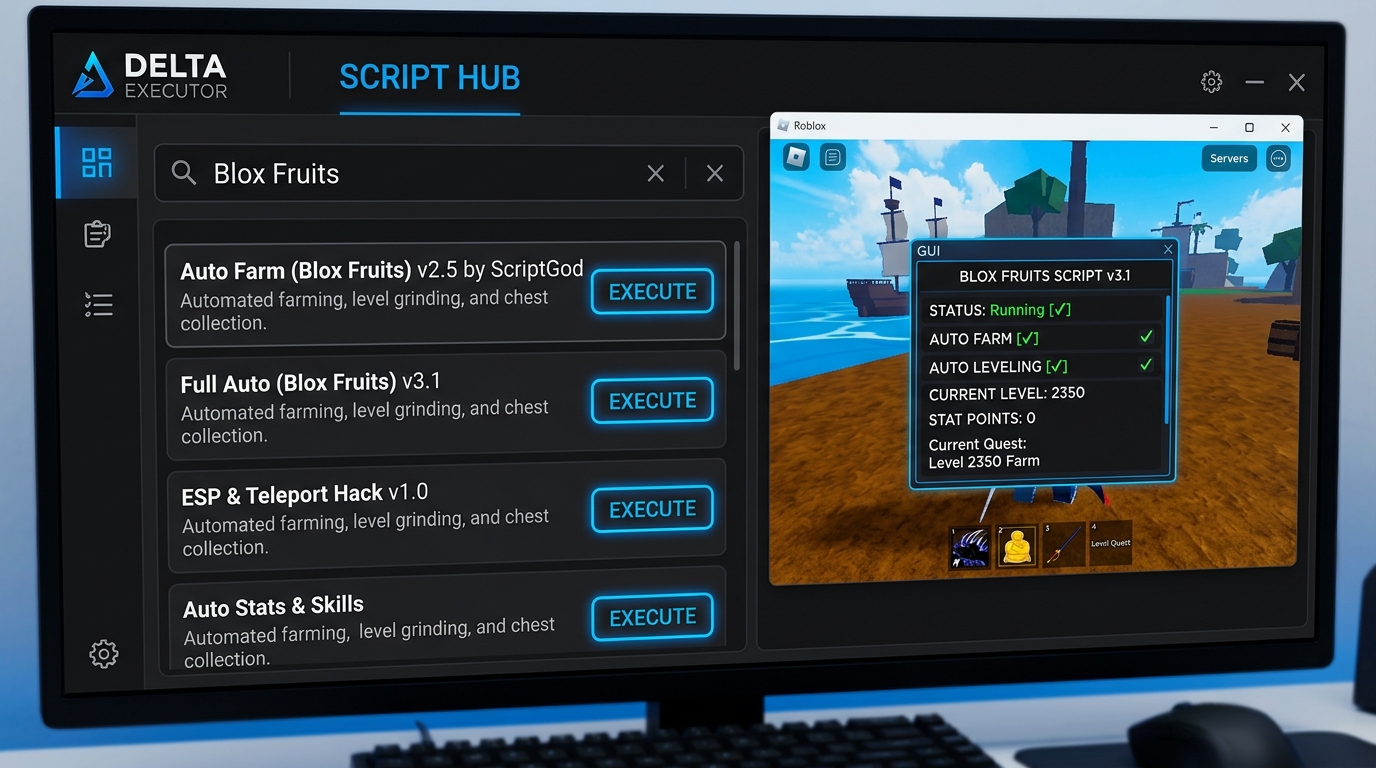
The Script Hub is a curated library of game-specific script packages that have been reviewed, tested against the current Delta injection engine, and organized for easy discovery. Each game entry in the hub contains one or more script packages. Scripts may include individual features like auto-farm or ESP as separate executables, or comprehensive all-in-one packages that combine multiple functions in a single execution. Hub scripts deploy a GUI panel in-game that provides toggle controls for each feature, making configuration straightforward without editing code.
Hub scripts receive maintenance updates when the games they target update and break script compatibility. This maintenance cycle means hub scripts remain functional through game updates more reliably than random external scripts you find that may not have an active maintainer updating them. The hub currently covers the most popular Roblox simulator games, several major competitive PvP titles, the top farming games including Grow a Garden and Fisch, and a selection of other community-popular games.
Navigating the Script Hub
Open the Script Hub by clicking the Hub tab in the Delta interface. The hub displays a searchable list of supported games. Type your current game’s name in the search field to filter the list. Results update in real time as you type, narrowing to matching game names. Click on a game name to expand its script collection and see available packages. Each package shows a name, brief description of what it does, and an Execute button.
If your game does not appear in the hub search results, it is not currently covered. In this case, close the hub and use the editor panel to paste scripts from ScriptBlox or the Delta Discord. Most games with active player communities have community scripts available from these sources even when they are not yet in the official hub.
Executing Hub Scripts
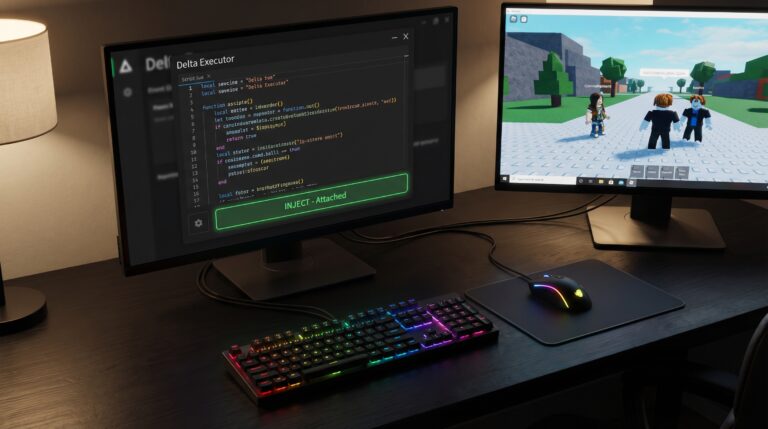
Executing a hub script is a single click. With Delta injected and showing green Attached status, click Execute next to any hub script. The script downloads and executes immediately. Most hub scripts deploy an in-game GUI panel within a second or two of execution. This panel appears in the Roblox game window and provides toggle switches, configuration sliders, and status displays for each script feature.
If multiple script packages are available for your game, try the most feature-complete one first. Some games have both a basic package and an advanced package — the advanced package typically includes more features but may be more complex to configure. If a hub script throws an error after execution, check the Delta Discord announcements for any note about the hub script being temporarily broken due to a game update. Hub script updates sometimes lag behind game patches by a day or two.
Games Covered in the Hub
The hub’s current 2025 coverage includes major simulator games: Pet Simulator X, Blox Fruits, Anime Defenders, Mining Simulator, and several gym and clicker simulator variations. Farming games include Grow a Garden with a comprehensive all-in-one package and Fisch with a fishing automation suite. Competitive games covered include Murder Mystery 2, Da Hood, Blade Ball, and Arsenal. RPG and progression games include Shindo Life and several anime-themed titles.
New games are added to the hub based on community demand and script developer contributions. When a game becomes popular enough that the Delta Discord scripts channel sees high volume for it, it becomes a candidate for hub integration. Users can vote for game additions in community channels and contribute scripts directly through the hub submission process described in the Delta Discord.
When Hub Scripts Are Broken
Hub scripts break when the games they target update and change the objects or APIs the scripts reference. This is a normal occurrence for actively updated games. When a hub script breaks, executing it produces an error in the Delta console panel rather than activating the expected in-game GUI. Check the Delta announcements or Discord support channel for reports of the same issue. Hub scripts typically receive compatibility updates within 2 to 5 days of game patches that break them.
While waiting for a hub script update, external scripts from the Delta Discord scripts channel often have community-maintained versions already updated for the new game version since community scripters sometimes patch their scripts faster than the official hub maintenance cycle. Search the Discord for your game name filtered to the past week for the most current alternatives during hub script downtime.
Contributing to the Script Hub
Community script developers can submit scripts for hub inclusion through the process described in the Delta Discord. Submissions require: a functional, tested Lua script for a Roblox game that is not already covered, testing confirmation on the current Delta version, clean code without malicious or unnecessary elements, and an in-game GUI that provides user control of script features. Scripts that meet these criteria and receive community positive feedback during a review period are candidates for official hub integration.
Contributing to the hub builds community reputation and makes your scripts available to a much larger audience than posting them in the Discord alone. Hub scripts receive visibility from all Delta users who search for that game, not just active Discord members. Several prominent community scripters built their reputations through hub contributions and now maintain several popular hub packages for major games.
Frequently Asked Questions
Do I need to update the Script Hub separately?
No. The Script Hub updates automatically with Delta when you install new versions. Individual scripts within the hub may refresh independently but no separate hub update download is needed.
Can I save Hub scripts outside the Hub?
Yes. After executing a hub script, the code is accessible in the editor panel. Click Save and give it a name to add it to your sidebar library for quick access without opening the hub each time.
Why does my game not appear in the Hub?
The hub covers popular games with established script support. Less popular or very new games may not have hub entries yet. Use ScriptBlox or the Delta Discord for games not in the hub.
Are Hub scripts safer than external scripts?
Hub scripts are reviewed by the Delta team before inclusion and are not malicious. External scripts vary in quality and safety. Hub scripts are the safest starting point for any game they cover.
Can I report a broken Hub script?
Yes. Report broken hub scripts in the Delta Discord support channel with the game name and the error message from the console. The maintenance team prioritizes reports from multiple users for the same script.
How often does the Hub add new games?
New games are added with major Delta version releases throughout the year. The hub expanded significantly in 2025 with Grow a Garden, Fisch, and several other popular new additions.
Download Delta Executor free at deltaexecutorpro.com and join the official Discord community for scripts, updates, and support for all delta executor script hub related needs in 2025.
Download Verification and Security
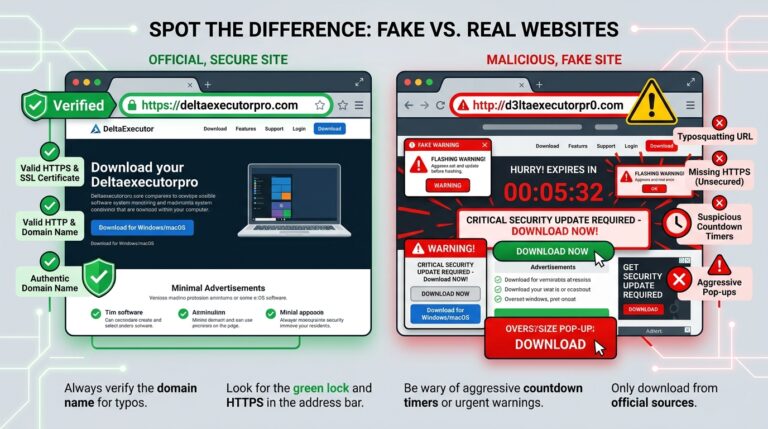
Verifying your Delta Executor download before installation is a straightforward practice that prevents the majority of security issues that Delta users encounter. Upload the downloaded installer file to virustotal.com before running it. The service analyzes the file using over 70 antivirus engines simultaneously and reports results within 60 seconds. The genuine Delta build produces a small number of false positive detections from behavioral heuristics related to the injection mechanism, but the large majority of engines should report clean. A file where most engines flag it as malicious should not be run regardless of where you believe you downloaded it from.
Beyond VirusTotal, the source verification check before every download is the most effective ongoing security practice. Type deltaexecutorpro.com directly in your browser or click your saved bookmark rather than searching and clicking results. Fake sites rank through paid advertising and SEO investment and look professionally designed because site-cloning tools copy legitimate sites in minutes. The URL is the only reliable verification signal — a convincing design on the wrong URL is still a fake site and a simple design on the correct URL is the real site. This single habit protects against every fake site currently operating regardless of how sophisticated their design is.
Community Resources and Learning
The Delta Executor community has built a substantial collection of guides, tutorials, and reference materials beyond the official documentation. The Discord server includes dedicated channels for learning resources where experienced community members share guides on everything from first-time setup through advanced Lua scripting techniques. Video tutorials from community members cover the complete setup process with visual walkthroughs that complement written guides for users who prefer to follow along with video demonstration.
ScriptBlox, V3rmillion, and the Delta Discord scripts channel collectively represent a significant educational resource for learning about Lua scripting in Roblox through practical examples. Reading scripts written by experienced community developers — even scripts for games you do not play — teaches you patterns that are reusable across games. As your familiarity with Lua syntax and Roblox API patterns grows, you gain the ability to modify existing scripts to fix breakage from game updates, customize behavior to your preferences, and eventually write simple scripts yourself for games that lack community support.
Platform Compatibility Overview
Delta Executor is maintained as a multi-platform tool with dedicated builds for Windows PC, Android smartphones and tablets, and iOS devices including iPhone and iPad. Each platform version is updated independently to track the respective Roblox client — Windows, Android, and iOS each receive their own Roblox update schedules and Delta must match each separately. This multi-platform commitment is one of the features that distinguishes Delta from competing free executors that focus exclusively on PC or Android without comprehensive iOS support.
The multi-platform nature means your scripting setup can follow you across devices. A farming script you develop and test on Windows can be copied and run on Android for mobile sessions without modification in the vast majority of cases since both platforms run the same core Lua execution environment. Users who switch between PC and mobile scripting can maintain a unified script library stored in a text file or notes app that works across platforms, giving you consistent scripting capability wherever you have access to Roblox.